








onemynd listens to the conversation
Your microphone and the meeting’s audio, in one live transcript.
Live00:08
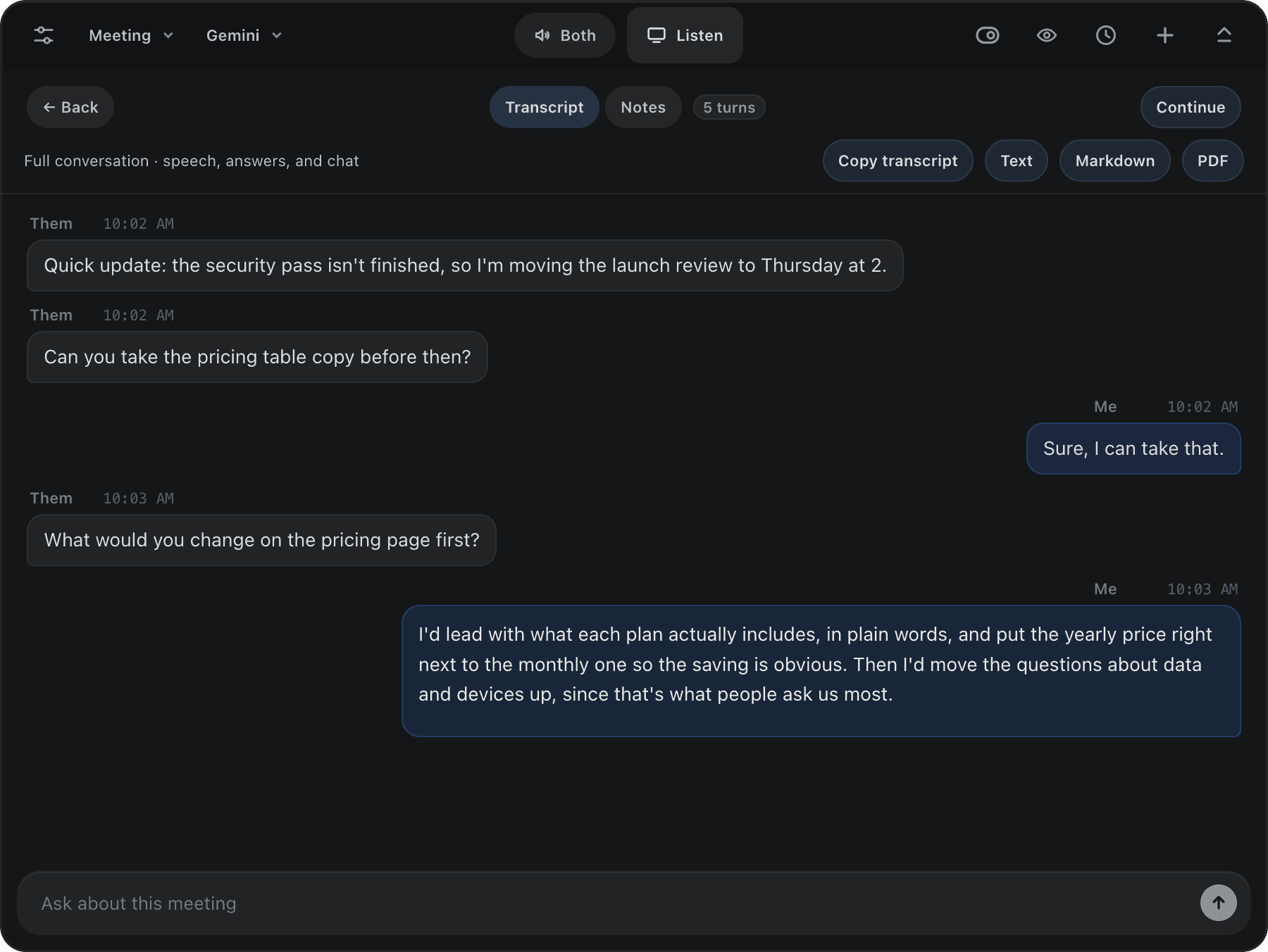
Live transcripts and a thoughtful answer when you need one, from a small app that sits beside your call.
Local AI on every plan · Lifetime $79 once
Your microphone and the meeting’s audio, in one live transcript.
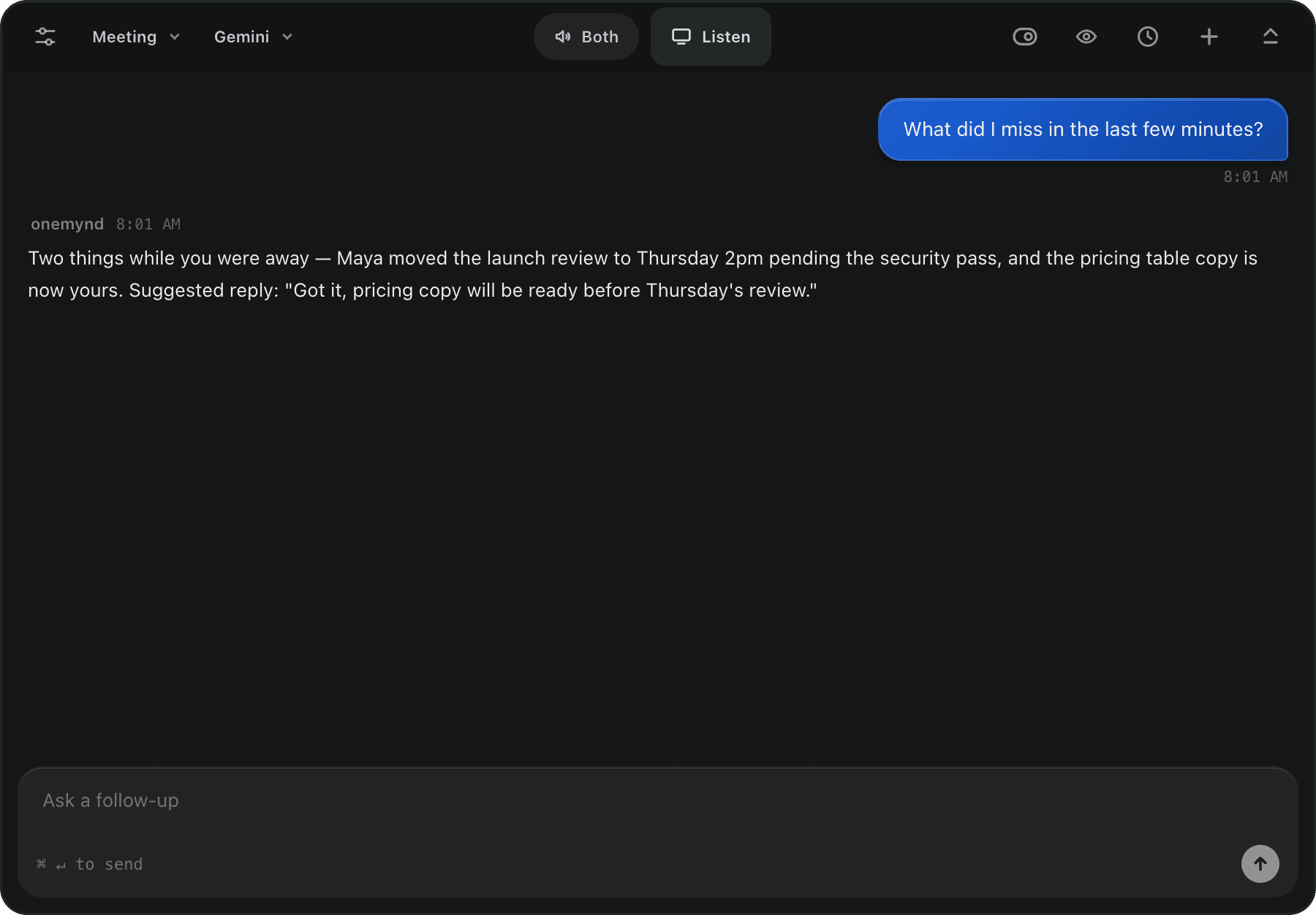
Ask, or let it suggest a reply when the other person pauses.
A summary, the decisions and who does what, written from the conversation.
Summary
Yinka moved the launch review to Thursday at 2 because the security pass isn't finished. You took the pricing table copy.
Decisions
Launch review moves to Thursday 2pm.
Action items
 Pricing table copy: you, before Thursday's review.
Nothing joins your call, and nothing shows up in your screen share.
No bot joins. onemynd listens on your own computer, so nobody extra appears in the meeting.
Hidden from screen share. Turn on invisibility and the overlay stays off recordings and shared screens.
Moves where you look. Drag the pill, or nudge it with the arrow keys, so answers sit next to the person you’re talking to.
WORKS WITH ANY CALL APP
Use Ctrl instead of ⌘ on Windows.
The overlay, from any app
About what was just said
Live transcript begins
One transcript
Your microphone and the meeting’s audio land in one live transcript.
On your computer
Run Whisper on your device so audio never has to leave it.
Text, Markdown or PDF
Save the full transcript whenever you need it.
onemynd is a small desktop app for Mac and Windows that sits beside your call, writes a live transcript and suggests an answer when you ask or when the conversation pauses.
The screenshots are: they show the onemynd desktop app with a sample meeting loaded. The film at the top and the notes after the call are redrawn with sample people, so you can try the pill and chat here.
Your session history. With Whisper and a local answer model selected, transcription and answers are processed on your computer. Cloud options send selected audio, questions and context to the provider.
Yes. Lifetime is $79 once for everything that runs on your computer, every update included, on 2 devices. Claude in the cloud and your own API keys need Pro.
Yes. Start and stop each session and choose your microphone, meeting audio, or both. Let people know when you're transcribing.
It waits for a pause using voice activity and finished captions. You can also ask manually.